Introduction
Introduction
This is a sample project for a file Explorer with mappView. It allows you to delete and copy files or directories between two locations. Navigate through the folder structure by double tapping on a folder name. Access USB sticks and network shares and use them like local folders.
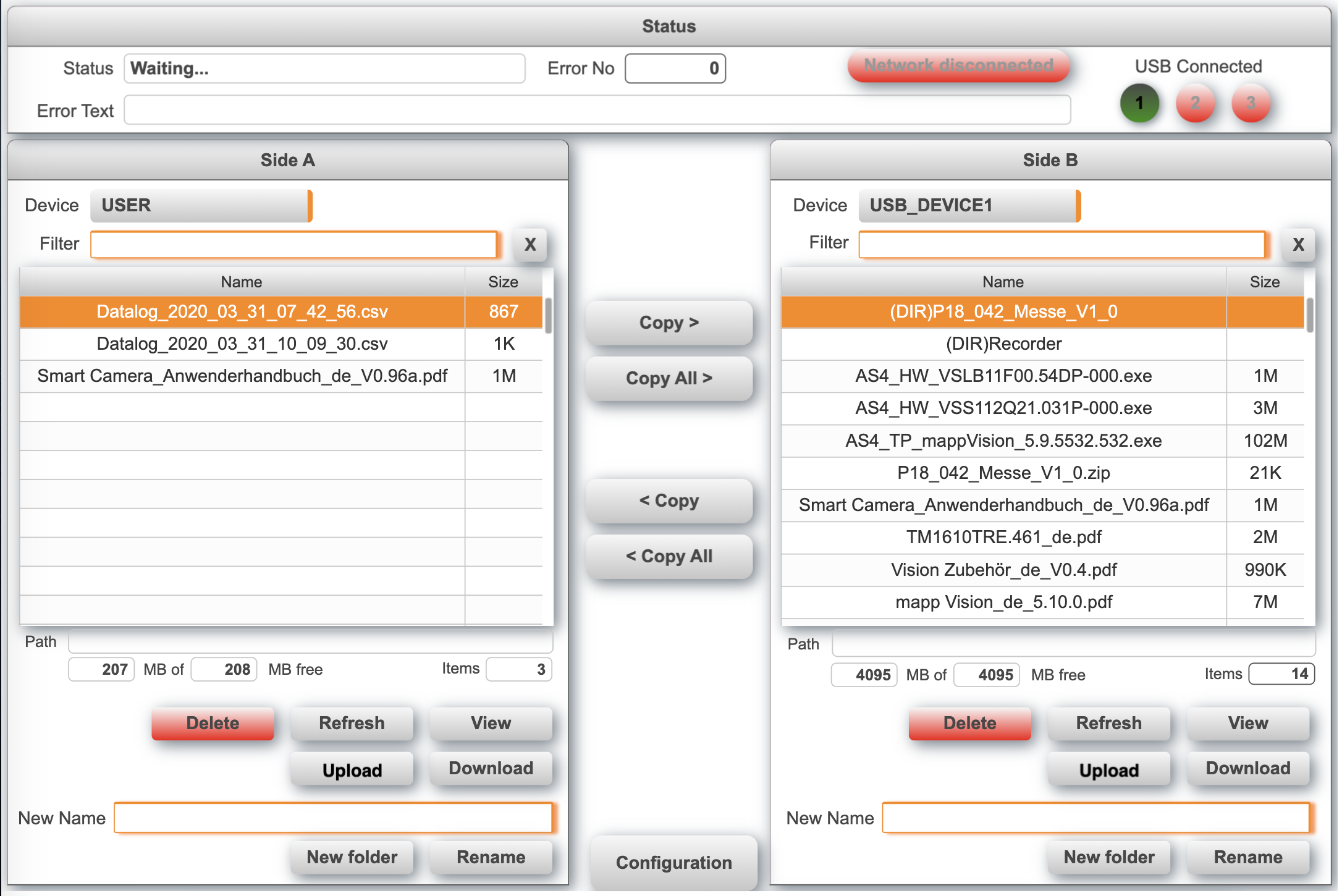
See How to import the file explorer into an existing project. When upgrading from a previous version make sure to delete the files that were imported before. This sample can run in simulation mode (http://127.0.0.1:81/).
Changes between version 1.x and 2.x
Keep in mind that with AS6 it is no longer possible to access partitions with a driver letter. The only supported way is to use the USER_PATH variable that points to the user partition on the memory card. When you do not use the upload or download functionality you can upgrade the previous version to Autmaiotn Studio 6 without any major changes. Use the community script to identify potential issues.
- Update to Automation Studio AS6.
- Replaced upload and download implementation to new transfer widget.
- The upload widget no longer asks to overwrite existing files, the file is always overwritten.
Requirements
- Automation Studio 6.x
- mappView 6.x
- Automation Runtime 6.x
Recommended task class is #8 with a 10ms cycle time.